
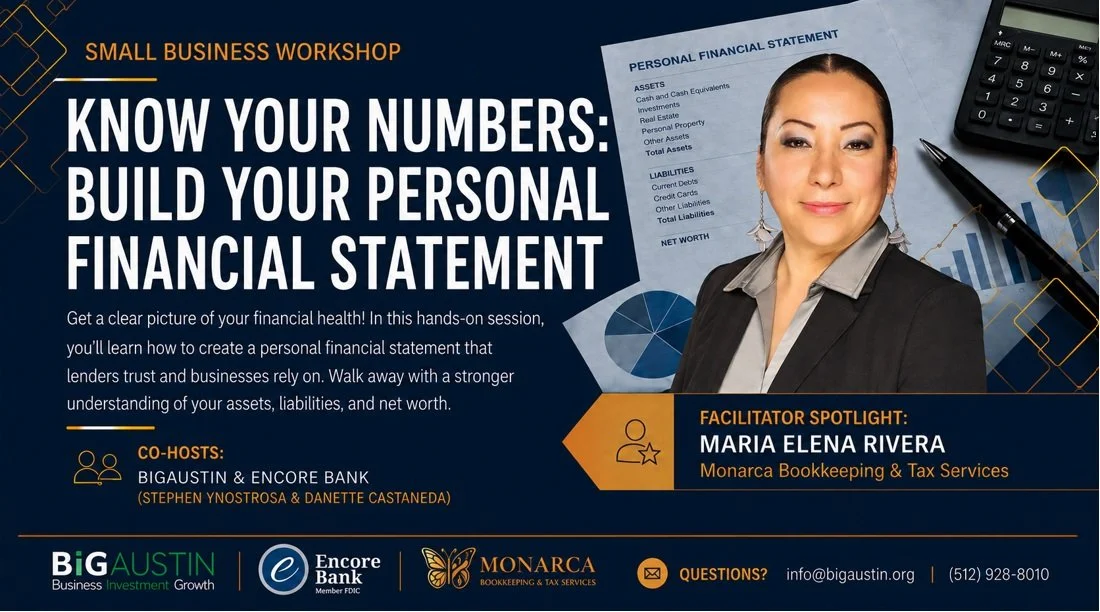
Get a clear picture of your financial health
Get a clear picture of your financial health! In this hands-on session, you’ll learn how to create a personal financial statement that lenders trust and businesses rely on. Walk away with a stronger understanding of your assets, liabilities, and net worth.
Facilitator Spotlight: Maria Elena Rivera- Monaraca Bookkeeping & Tax Services
Monarca Bookkeeping and Tax Services LLC, brings over 20 years of experience working with businesses of all sizes—from small startups to large companies.
Co-Hosts: BiGAUSTIN & Encore Bank (Stephen Ynostrosa & Danette Castaneda)
Date: July 9th
Time: 6:30-8:00 pm
Location: Virtual (via Microsoft Teams)
Attend All Three. Earn Your Certificate. Get a Free CPA Consultation.
This session is the first of a three-part Small Business Workshop series designed to help you better understand your financial position and prepare for future funding opportunities.
Participants who attend all three sessions will receive a certificate of completion and a free CPA consultation with Monarca Bookkeeping and Tax Services.
Session 1: Know Your Numbers: Build Your Personal Financial Statement
July 9, 2026
In-person: 11:30 AM–1:00 PM
Virtual: 6:30 PM–8:00 PM
Session 2: Ready, Set, Funded: Get Lender Ready
July 16, 2026
In-person: 11:30 AM–1:00 PM
Virtual: 6:30 PM–8:00 PM
Session 3: Boost Your Score, Boost Your Business: Building a Solid Credit Score
July 23, 2026
In-person: 11:30 AM–1:00 PM
Virtual: 6:30 PM–8:00 PM
FAQs
How do I join the virtual workshop?
Once you register for the event you will receive an email with details to access the virtual workshop.
The invitation email or message will include a link to the meeting
What platform are you using?
The virtual workshop is hosted through Microsoft Teams platform. If you're not familiar with TEAMS, we encourage you to watch this QuickStart video
Do I need an account to join a meeting?
Joining a Microsoft Teams is always free and you don't need an account to attend sessions.
If you don’t have a Teams account, select Join as a guest and enter your name to join the meeting as a guest. Depending on how the meeting was set up, you may need to sign in to an account that was authorized for the meeting; for details, see Join a meeting without a Teams account.
If you have a Teams account, select Sign in and join to join with access to the meeting chat and more. Depending on the organizer’s settings, you may join the meeting right away or go to the lobby where someone else can admit you.
How do I join a webinar from my mobile device?
Teams mobile apps let you join webinars from anywhere using your iOS, Android, and Windows devices. Learn more.