
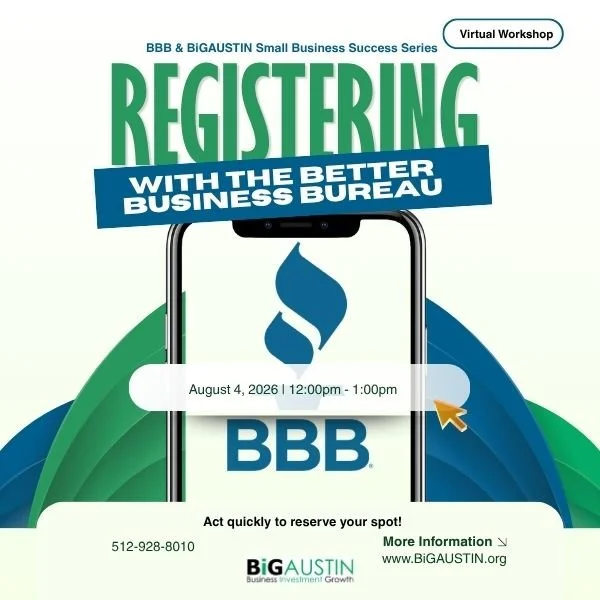
Learn how the Better Business Bureau can help establish your business's credibility.
Join Better Business Bureau Heart of Texas and BiGAUSTIN for a free three-part training series designed to help entrepreneurs strengthen their business credibility, improve their online presence, and attract more customers. Whether you're just getting started or looking to grow your business, these practical sessions will provide actionable strategies you can implement immediately.
Consumers are more likely to do business with companies they trust. Learn how the Better Business Bureau can help establish your business's credibility, increase customer confidence, and connect you with new opportunities.
This session will explain the benefits of having a BBB Business Profile, the accreditation process, and how to use BBB resources to strengthen your reputation and grow your business.
Learning Objectives
Participants will learn how to:
Understand the mission and value of the Better Business Bureau.
Create and optimize their BBB Business Profile.
Learn the requirements and benefits of BBB Accreditation.
Build trust and credibility with customers.
Use BBB resources to support business growth.
Date: Tuesday, August 4, 2026
Time: 12:00-1:00pm
Location: Virtual Microsoft TEAMS
Registration: Required - Register Here
FAQs
How do I join the virtual workshop?
Once you register for the event you will receive an email with details to access the virtual workshop.
The invitation email or message will include a link to the meeting
What platform are you using?
The virtual workshop is hosted through Microsoft Teams platform. If you're not familiar with TEAMS, we encourage you to watch this QuickStart video
Do I need an account to join a meeting?
Joining a Microsoft Teams is always free and you don't need an account to attend sessions.
If you don’t have a Teams account, select Join as a guest and enter your name to join the meeting as a guest. Depending on how the meeting was set up, you may need to sign in to an account that was authorized for the meeting; for details, see Join a meeting without a Teams account.
If you have a Teams account, select Sign in and join to join with access to the meeting chat and more. Depending on the organizer’s settings, you may join the meeting right away or go to the lobby where someone else can admit you.
How do I join a webinar from my mobile device?
Teams mobile apps let you join webinars from anywhere using your iOS, Android, and Windows devices. Learn more.
Contact: If you have any questions, please contact info@bigaustin.org or call our offices at (512) 928-8010