
Turn everyday tasks into automated wins.
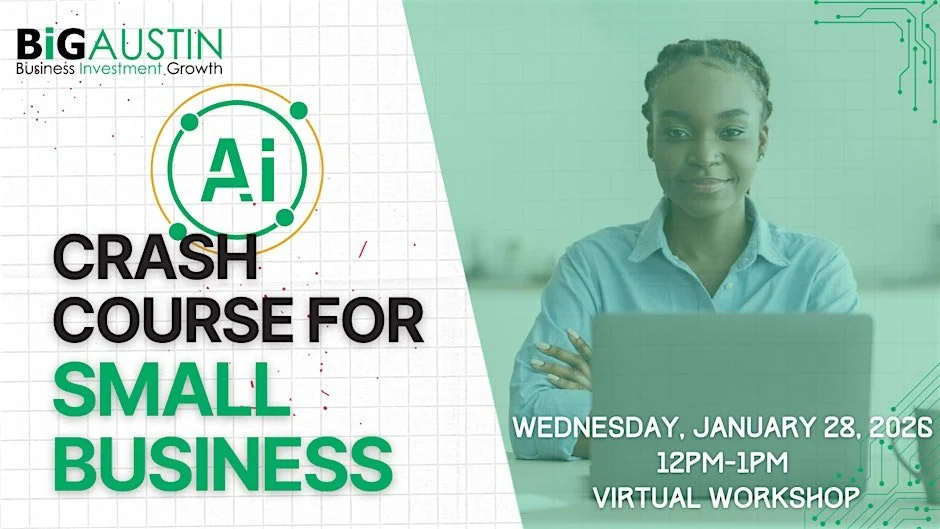
Learn how to boost creativity, save time, and simplify your daily grind minus the tech overwhelm.
This one-hour crash course shows small business owners how to use AI in real life not just in theory. You’ll learn simple, practical ways to use AI to make more money, save time, and cut out the boring, repetitive work that slows you down.
The session is led by Dustin Haisler, an entrepreneur, former city CIO, and all-around tech innovator. He’s helped governments, startups, and businesses figure out how to use new technology faster and smarter. Today, he’s the Chief AI Officer and U.S. General Manager at Darwin AI, a company focused on safe and smart AI systems. You can check out more about him at DustinHaisler.com.
By the end of this session, you’ll walk away with a simple AI game plan you can start using right away, plus a list of tools that actually make sense for small businesses (not just big tech companies).
Here’s what we’ll cover:
What AI actually is (explained without the confusing tech jargon).
How to use AI for sales and marketing like finding leads, writing messages, creating content, and understanding customers better.
Real tools people use every day for writing, research, design, scheduling, customer support, and automation.
How to create your own custom GPTs to do repeat tasks and help with customer interactions.
A live Q&A where you can ask anything.
This workshop is designed to be useful, no-pressure, and fun so you leave feeling confident and ready to put AI to work in your business.
Guest Presenter: Dustin Haisler
Dustin Haisler, an entrepreneur, former city CIO, and nationally recognized innovation leader who has helped governments, startups, and enterprises accelerate the adoption of emerging technologies. Today, he serves as Chief AI Officer and U.S. General Manager at Darwin AI, a leading company in AI governance and agentic AI workflows, working with organizations nationwide to transform how they operate with modern AI tools. His background and work can be found at DustinHaisler.com.
Tuition: FREE VIRTUAL WORKSHOP - Registration Required
Date: Wednesday, January 28, 2026
Time: 12:00 pm - 1:00 pm
Location: THIS IS A VIRTUAL WORKSHOP. Once you register for the event you will receive an email with details to access the webinar.
FAQs
Contact: If you have any questions, please contact info@bigaustin.org or call our offices at (512) 928-8010
How do I join the virtual workshop?
Once you register for the event you will receive an email with details to access the webinar.
The invitation email or message will include a link to the meeting
What platform are you using?
The virtual workshop is hosted through the Microsoft Teams platform. If you're not familiar with TEAMS, we encourage you to watch this QuickStart video
Do I need an account to join a meeting?
Joining Microsoft Teams is always free and you don't need an account to attend sessions.
If you don’t have a Teams account, select Join as a guest and enter your name to join the meeting as a guest. Depending on how the meeting was set up, you may need to sign in to an account that was authorized for the meeting; for details, see Join a meeting without a Teams account.
If you have a Teams account, select Sign in and join to join with access to the meeting chat and more. Depending on the organizer’s settings, you may join the meeting right away or go to the lobby where someone else can admit you.
How do I join a webinar from my mobile device?
Teams mobile apps let you join webinars from anywhere using your iOS, Android, and Windows devices. Learn more.