
Your Legacy, Your Loved Ones, Your Peace of Mind.
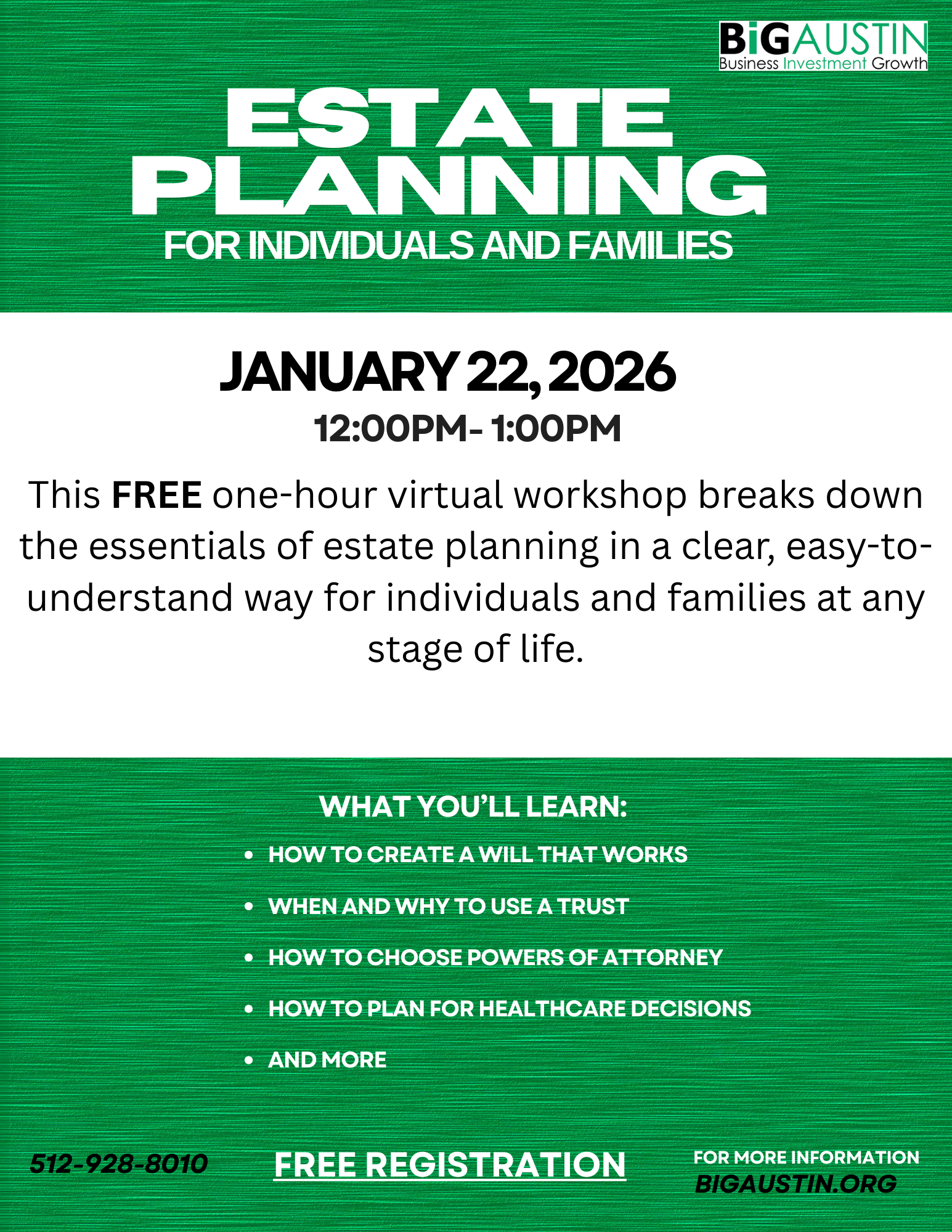
Planning for the future can feel overwhelming, but having a clear estate plan is one of the most meaningful steps you can take to protect yourself and the people you care about. This one-hour virtual workshop provides a straightforward, accessible introduction to the essential components of estate planning for individuals and families at all stages of life.
Participants will learn:
Why estate planning matters and how it protects your assets, choices, and loved ones
Core documents every adult should have, including wills, powers of attorney, and advance healthcare directives
The basics of trusts, beneficiary designations, and how they fit into a comprehensive plan
How to organize and communicate your wishes to minimize stress, confusion, and conflict
Key considerations for parents, blended families, and caregivers
Practical steps to get started—whether you’re creating your first plan or updating an existing one
This workshop is designed to be clear, friendly, and empowering. No legal or financial background is required. Participants will leave with a solid understanding of the estate-planning process, common pitfalls to avoid, and a roadmap for building or refining their own plan.
Instructor: Dyan Lofton, Executive Director and Managing Attorney - Austin Legal Access
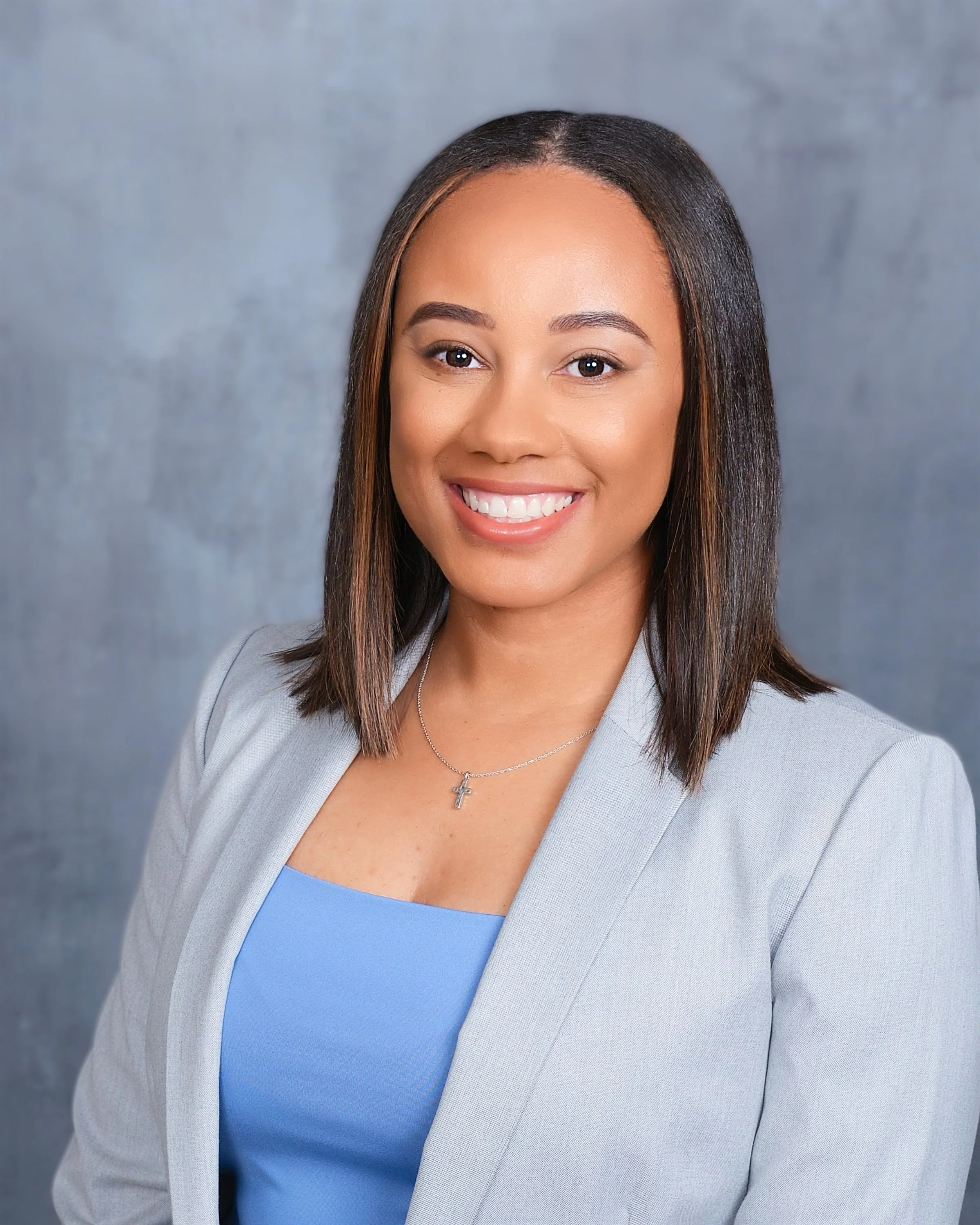
Lofton is a licensed attorney in the State of Texas. Mrs. Lofton has found her passion in public service and civic engagement within her community. In her spare time, she volunteers with local nonprofit organizations.
She holds a Bachelor of Arts in English (UT San Antonio), Minor in Communication (UT San Antonio), Master of Arts in Technical Communication (Texas State University), and a Juris Doctor in Law (Texas Southern University—Thurgood Marshall School of Law). Currently, she serves on the board of 212 Catalysts.
Tuition: FREE VIRTUAL WORKSHOP - Registration Required
Date: Thursday, January 22, 2026
Time: 12:00 pm - 1:00 pm
Location: THIS IS A VIRTUAL WORKSHOP. Once you register for the event you will receive an email with details to access the webinar.
FAQs
Contact: If you have any questions, please contact info@bigaustin.org or call our offices at (512) 928-8010
How do I join the virtual workshop?
Once you register for the event you will receive an email with details to access the webinar.
The invitation email or message will include a link to the meeting
What platform are you using?
The virtual workshop is hosted through the Microsoft Teams platform. If you're not familiar with TEAMS, we encourage you to watch this QuickStart video
Do I need an account to join a meeting?
Joining Microsoft Teams is always free and you don't need an account to attend sessions.
If you don’t have a Teams account, select Join as a guest and enter your name to join the meeting as a guest. Depending on how the meeting was set up, you may need to sign in to an account that was authorized for the meeting; for details, see Join a meeting without a Teams account.
If you have a Teams account, select Sign in and join to join with access to the meeting chat and more. Depending on the organizer’s settings, you may join the meeting right away or go to the lobby where someone else can admit you.
How do I join a webinar from my mobile device?
Teams mobile apps let you join webinars from anywhere using your iOS, Android, and Windows devices. Learn more.